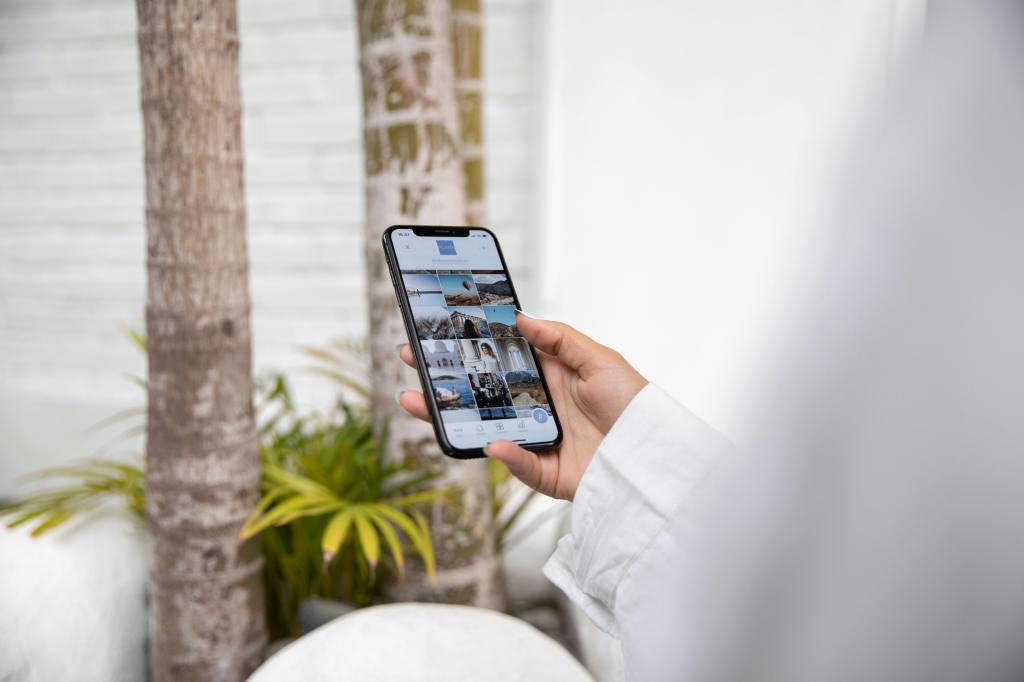
This week, I’ve been thinking about how I respond when I see a link or a hashtag in a post. Most often, it doesn’t make a difference in whether or not I engage with the post. The only time I find them effective is when I’m interested in the topic of the post (maybe it’s a skincare routine or a recipe I want to make), and then I’m more inclined to click on that link.
The Research Says: Stop Posting Links
Interestingly enough, there’s been quite a bit of research done on whether or not links are effective in driving engagement on social media. The short answer: no. Let me tell you why.
LinkedIn’s Sneaky Thumbnail Shrink
LinkedIn, a site known for connecting professionals and finding jobs, recently decreased the size of the thumbnail when users share links in their posts. Instead of seeing a large image across your screen, there’s a small box directing you to the linked page. This seems like such a small change, but LinkedIn’s goal with this change is to keep people on their platform longer. The less likely users are to see a thumbnail, the less likely they’ll click on it to leave the platform.
Meta’s Algorithm Has Other Plans
Facebook and Instagram, both owned by Meta, want people to stay on their platforms for as long as possible. If you’re sharing links in your Facebook posts, the algorithm is very much against you. “Facebook’s algorithm clearly favors native content like Reels and videos. The staggering statistic that over 95% of posts displayed in user feeds don’t include external links speaks volumes.” Additionally, have you ever noticed that you really only ever see links in user’s Instagram stories, rather than in captions? This ensures that if links are shared, they’re really only seen by the poster’s followers, rather than reach a wider audience through something like a static post or Reel.
The Solution: Link in Bio
So, what should you do? You want to share a link or two, but also make sure your posts aren’t being hidden by any algorithms. This is where the “link in bio” trick comes in. Share whatever post you want, and at the end, write “Link in bio.” This will not only direct people to your profile, but allow your post to be seen by anyone — then guide them to the link you’ve attached in your bio. With other platforms and tools such as Linktree, you can also attach as many links as you want! The only downside to this, is that people who don’t want to take the time to go to your profile to then click on a link, probably won’t do that. But in that case, they’re probably not the target audience anyway.
It’s not surprising that platforms want users to stay scrolling their feeds for as long as possible — it’s how they make money. If you or your business needs to share links from now on, avoid sharing links in your post, because they will most likely be hidden by the algorithm, or at least reach less people. Hop onto the “link in bio” trick, and you’re likely to get more engagement through your posts, while sharing links you want to share.
 Mia Krysa
Leave a comment